Practical bilingual reading
How to Translate a Scanned PDF: OCR First, Translation Second
Why scanned PDFs need OCR before translation, what to check in the OCR result, and when to find a better source.
A scanned PDF is a page image wearing a PDF filename
A scan can look exactly like a normal PDF in a viewer. The difference appears when you try to select a sentence. If the whole page highlights, or pasted text is blank or nonsense, the file contains pixels instead of a usable text layer.
That changes the job. A translation system cannot faithfully keep a heading with its paragraph if it first has to guess where every word begins and ends. OCR is the bridge: it turns an image into text that can be searched, checked, and translated.
Do not trust OCR just because it produced words
OCR is often good enough for clean print, but it can stumble on diacritics, ligatures, small footnotes, stamps, handwriting, equations, and tight columns. The dangerous errors are the plausible ones: a date becomes another date, a legal article number loses a digit, or a name changes by one character.
Check a difficult spread before translating: the title page, a page with numbers, a dense page, and any table. If the OCR transcript already looks scrambled, translation will only make the problem harder to spot.
What to do after OCR
Save the OCR result separately and rerun the copy test. Can you select a paragraph? Does it paste in the right order? Are headings still visible? When those answers are mostly yes, treat the OCR version as the translation source while keeping the scan nearby for verification.
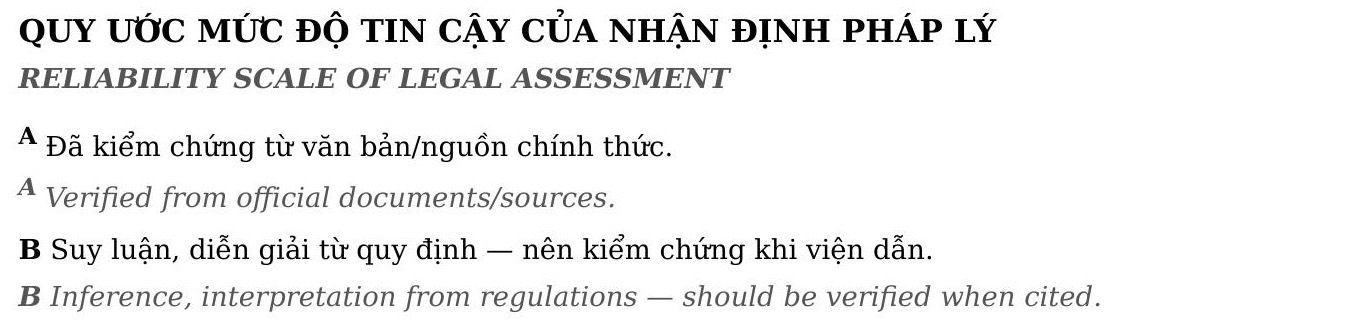
The clean bilingual example on this page shows the destination you are aiming for: visible hierarchy, paragraphs that stay together, and translations that are easy to locate. It is evidence of what a text-based source can become, not a promise that an unreadable scan will automatically reach the same result.
Know when to find a better copy
For a long book, academic paper, or legal document, a publisher's digital edition can save more time than several rounds of cleanup. It starts with a reliable text layer and makes a bilingual reading copy much more dependable.
BilingualText currently works best with text-based PDFs. Once OCR has produced a clean selectable version, use a preview to decide whether headings, paragraphs, and any tables read well enough before creating a full output.
How to make OCR review less exhausting
Do not try to proofread every OCR character before you know whether the document is worth the effort. Sample the fragile areas first: a page with a small font, a page with a seal or signature, a page with a table, and a page that contains dates, names, or citation numbers.
Keep an eye on repeated mistakes. If Vietnamese diacritics, hyphenated words, or a particular typeface are failing in the same way, correct that pattern before you move on. Repeated recognition errors are easier to fix systematically than individually after a translation has been generated.
A scan with a few imperfect words can still be fine for a personal reading project. It is not fine to treat as authoritative when it contains terms you must quote, instructions you must follow, or values you must report. The intended use should set your tolerance for cleanup.
Once you have a clean text layer, retain both versions. The OCR PDF is the practical translation input; the original scan remains the visual evidence when a word, figure, or heading needs checking.